PlatformQR code on TV
They see your ad. They scan it.
Viewers scan the code on your ad and land on the page you choose.







Three ways to show it
A QR code on your TV ad: side panel, frame or corner.
Side panel
Logo, offer and code beside your video.
Frame around your video
Logo, offer and code around your video.
Code in the corner
Your video stays full screen.
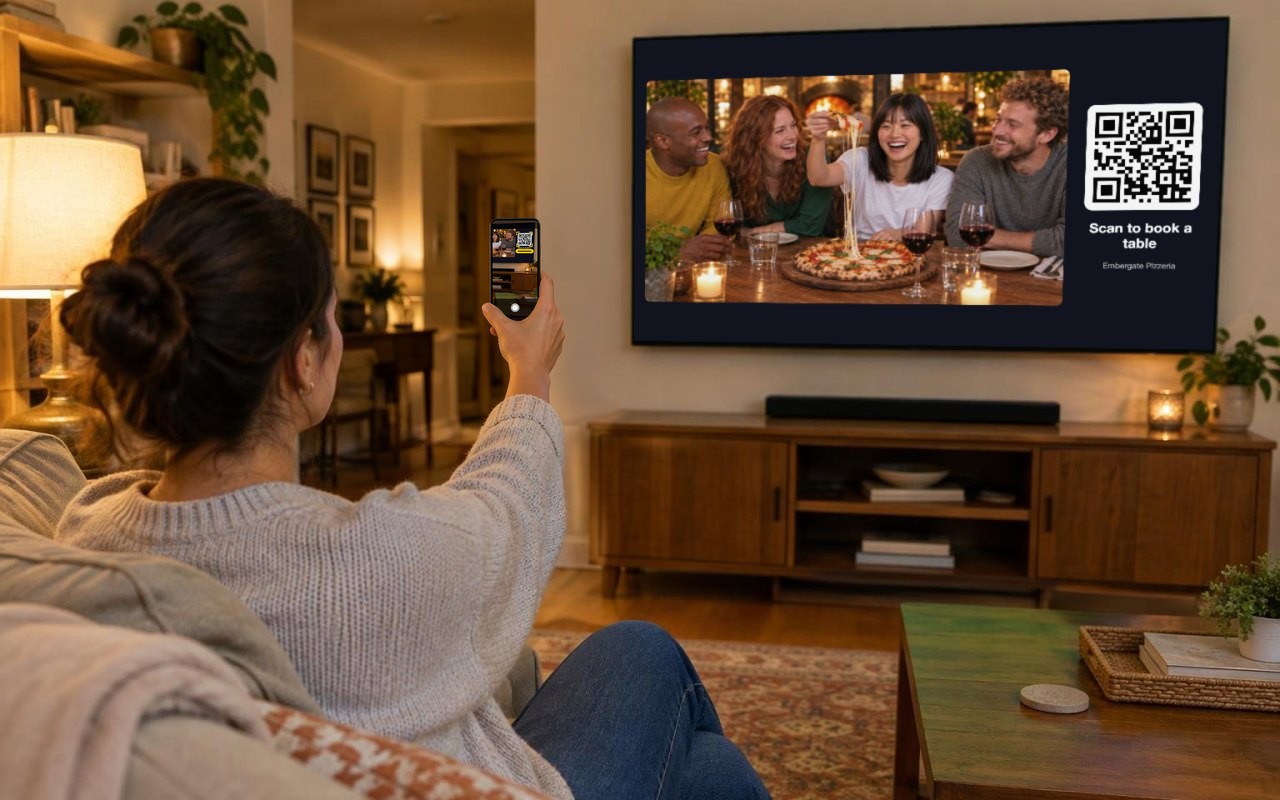
On the sofa
The video plays first. Then the code.
The code stays on screen at least 10 seconds.
Where the code leads
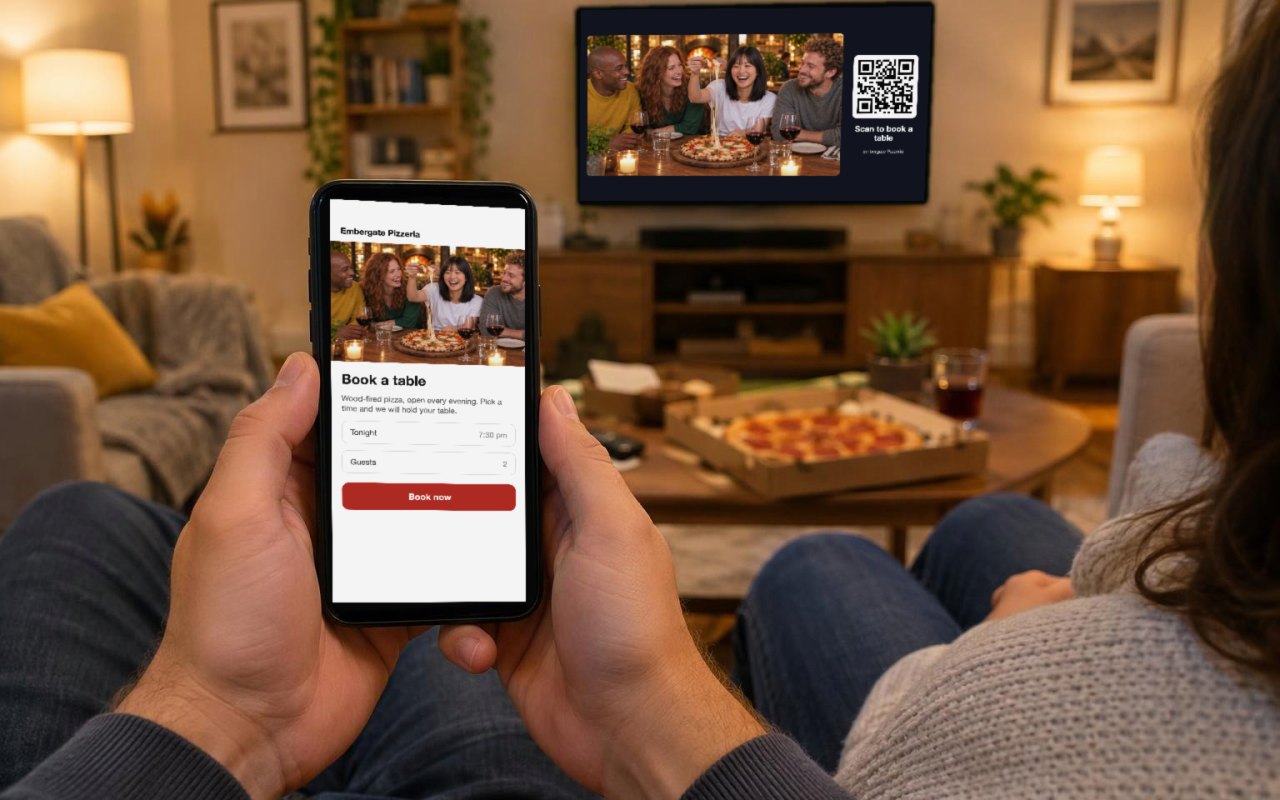
The code leads to any page.
Your website, tonight's menu, a booking form, one product.
- Each set of ads can lead to its own page
Make it yours
Build the frame yourself.
Starts ready
Your logo, your offer and the code are already in place.
Move anything
Drag items around the frame, or over your video.
Add more
Text, photos, shapes, stickers, a customer's review.
The code's look
Black and square, or one of your dark colors.
What to expect from scans.
- 1 in 10,000
- views ends in a scan, or fewer
Scans are rare on any TV ad. So give viewers a second way in: say your name, and keep it on screen with your website.
Source: eMarketer, 2025 (0.004% to 0.010% of views).
Questions about the code
Does my ad need a QR code?
No, your ad does not need a QR code. The tag on your website counts visits, leads and sales either way. The code shows which campaign brought them.
Is my uploaded video changed?
No, your uploaded video is not changed: the QR code is added only to the copy that airs.
What is counted?
Every scan is counted, whatever page the QR code leads to.
No subscription. A campaign in your area starts at $50 a week.