 PlatformRemote button
They press OK. They get your link.
A button over your TV ad. One press, and a notification on their phone opens your page.
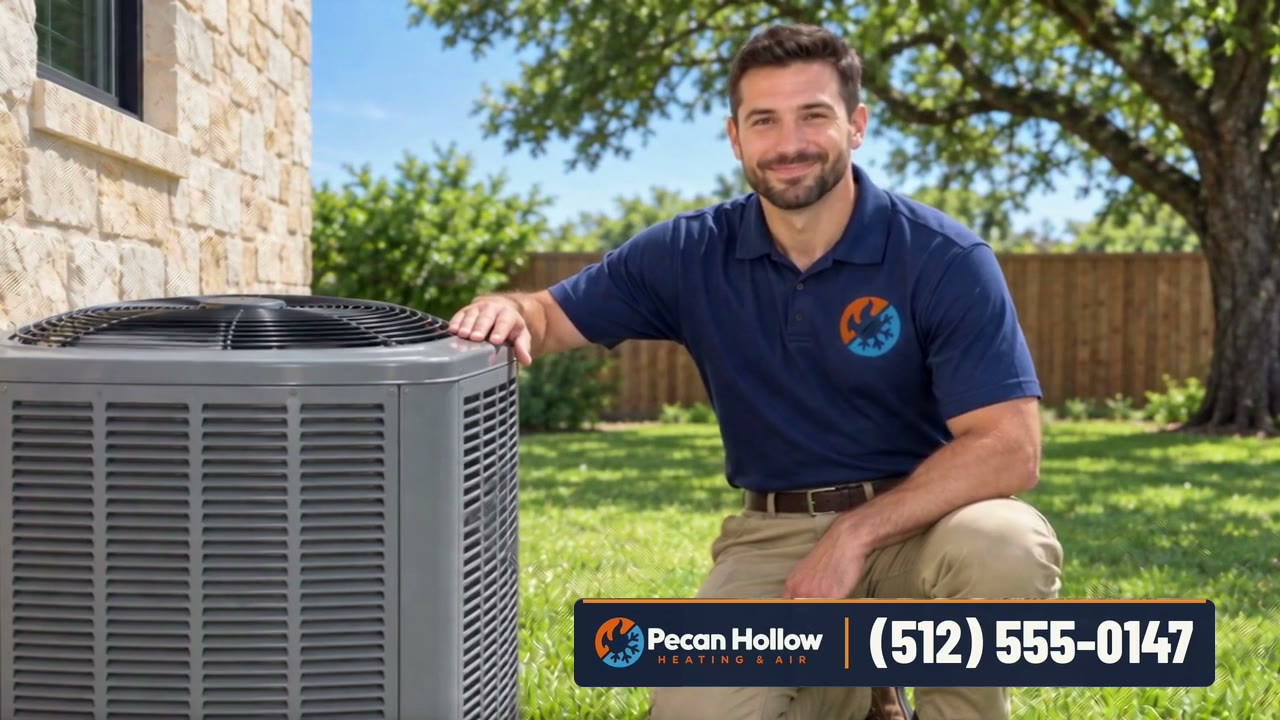
 Prime VideoAd
Remote button
Two kinds of button on your TV ad.
Send to phone
For a quote, a booking or an offer.
Add to Amazon cart
For a product you sell on Amazon.
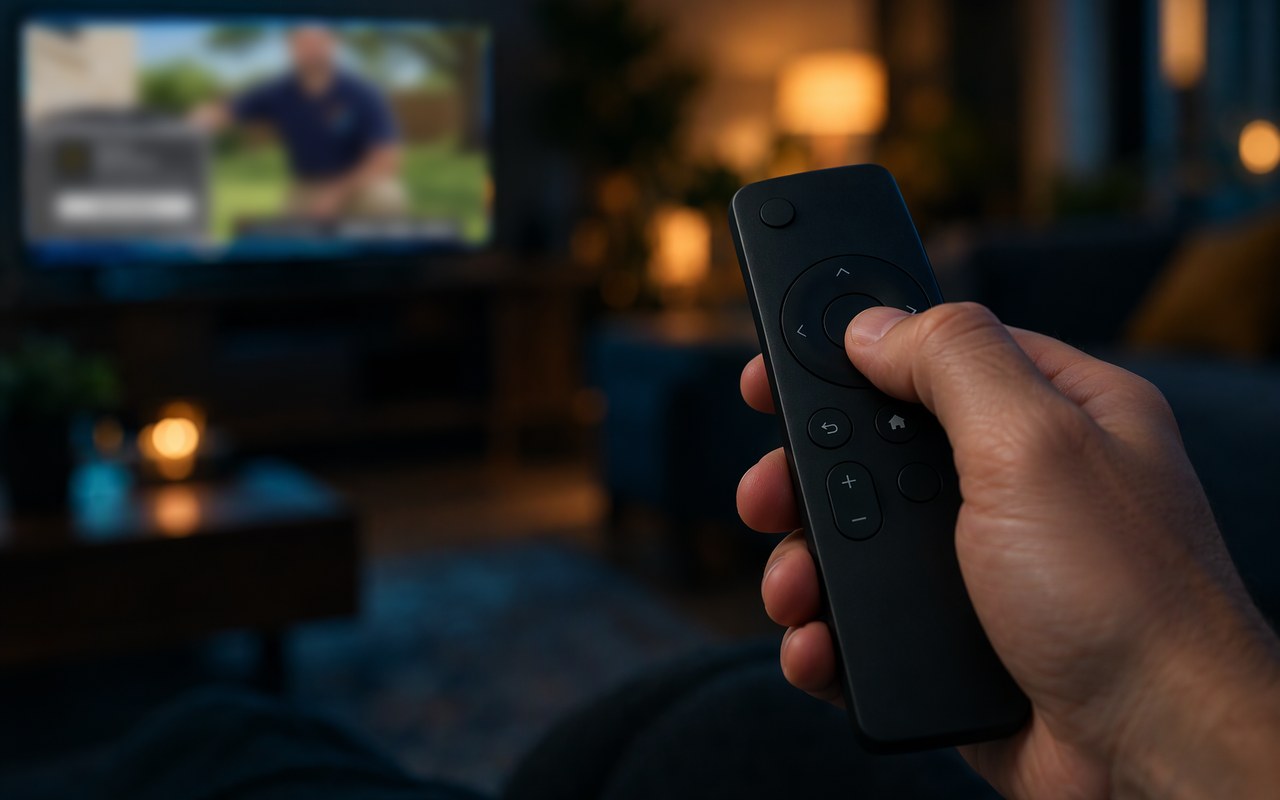
On the sofa
The remote is already in their hand.
Nothing to scan, nothing to type.
Button words
Six ways to ask.
You pick the words and the page the button opens.
- Get a quote
- Book an appointment
- Learn more
- Sign up today
- Get this offer
- Visit website
And an email
The link is in their inbox too.
One email, with a button to your website.
 Hi Jordan Ellis,
Where it shows
On three TV channels.
 Prime Video
 Fire TV Channels
 Twitch
The Remote button channels package holds all three. The button's look can differ by TV brand and TV channel. On other TV channels, your ad plays as usual, without the button.
Questions about the button
Is the button part of my video?
No, the button is not part of your video. The TV channel shows it over your ad.
Does my QR code stay?
Yes, your QR code stays. Keep it on the right: the button sits at the lower left. Or make two sets of ads: one on the three button TV channels with no QR code, one on your other TV channels with it.
What do reports show?
Reports show views with the button, how many were opened on a phone, and how many opened your link.
No subscription. A campaign in your area starts at $50 a week.